HTML stands for HyperText Markup Language, and its primary purpose is to define the content and structure of a webpage. This is achieved through HTML elements and attributes that "mark up" different parts of a document so that browsers understand how to organize the information.
HTML is an essential technology in web development, and every webpage or web app regardless of complexity uses HTML in its development.
HTML Components: Tags, Elements, and Attributes
HTML uses a system of markup consisting of tags, elements, and attributes. While these terms are often used interchangeably, they have distinct meanings:
1. HTML Tags
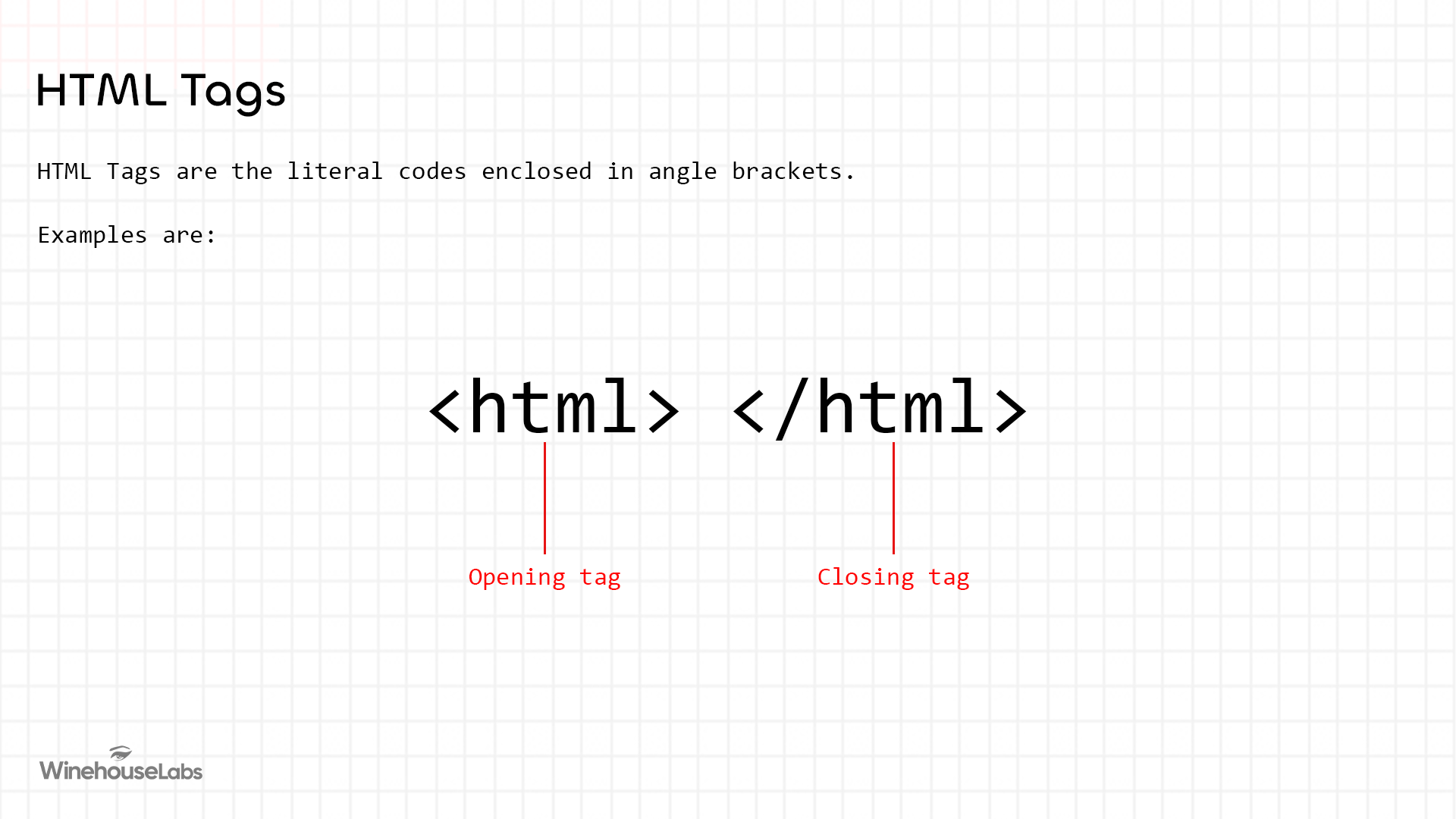
HTML tags are the literal codes enclosed in angle brackets (< >) that act as the "instructions" for the browser. Most tags come in pairs:
- Opening Tag — Marks the beginning of an element (e.g.,
<p>). - Closing Tag — Marks the end of an element (e.g.,
</p>).
Self-Closing Tags (Void Elements)
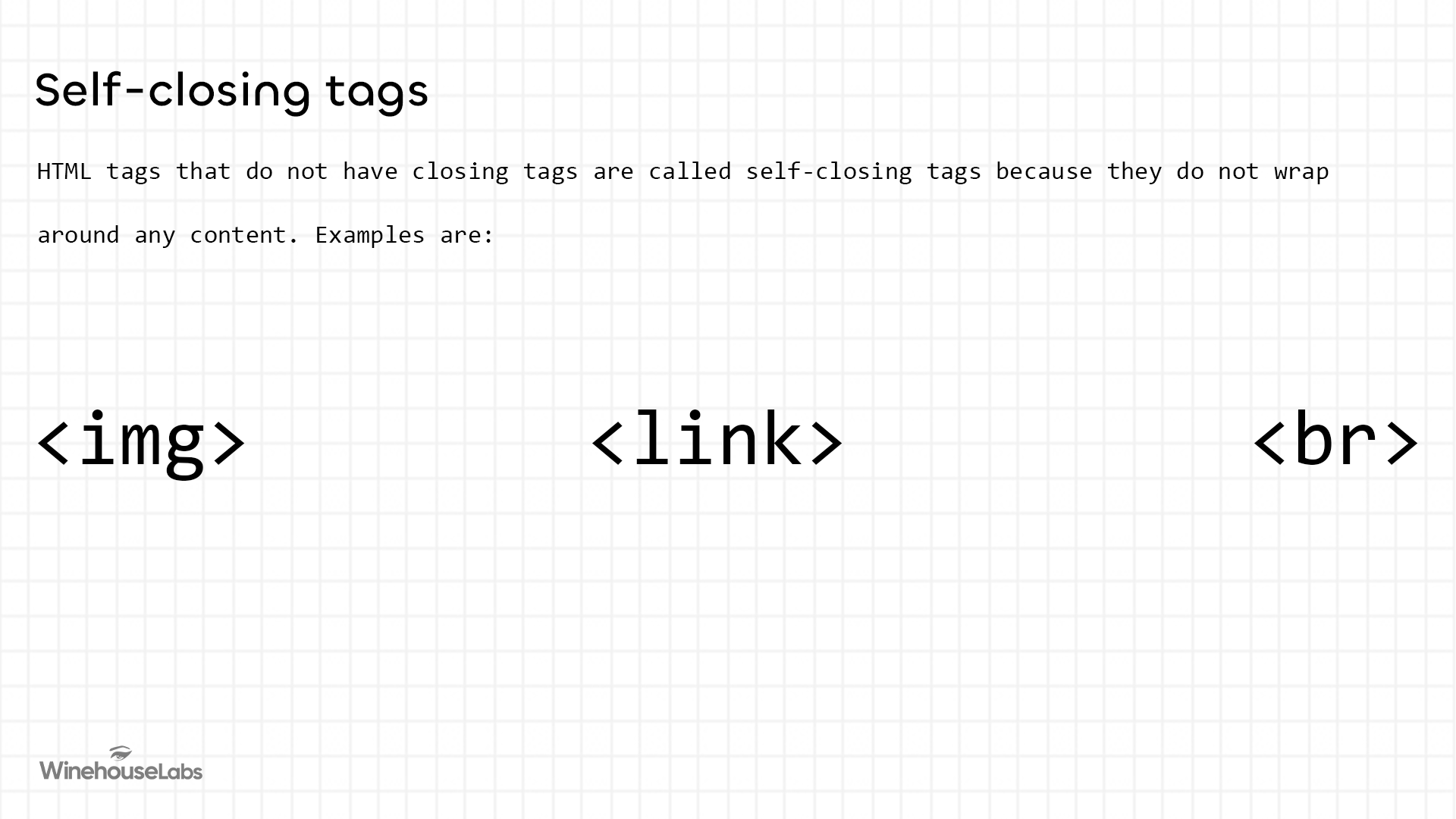
Some HTML tags do not have a closing tag because they don't wrap any content. These are called void elements. Examples are: <img>, <br>, and <link>.
In HTML5, void elements do not require a closing slash — writing <img> is the correct form. The slash syntax (e.g., <img />) comes from XHTML, and while browsers tolerate it, it is not part of the HTML5 standard.
2. HTML Elements
An HTML element is the complete unit of content. It includes the opening tag, the closing tag, and everything in between.
Example: <h1>This is an HTML element</h1>
The <h1> and </h1> are the opening and closing tags, while the entire line including the sentence in between makes an HTML element. An HTML element can also include attributes if required.
3. HTML Attributes
Attributes provide additional "settings" for an element. They are always found in the opening tag and typically come in key-value pairs.
- Syntax:
key="value" - Example:
<h1 lang="en">This is an HTML element with an attribute</h1>
Types of HTML Attributes
- Global Attributes — These can be used on any HTML element (e.g.,
id,class,style,title,lang). - Element-Specific Attributes — These only work on specific elements (e.g., the
srcattribute works on<img>, but not on<p>). Note thatsrcis not exclusive to images — it is also used by elements like<script>,<iframe>,<audio>, and<video>. - Boolean Attributes — These don't need a value. If the attribute name is present, it is considered true. Example:
<input disabled>
An HTML element can have multiple attributes separated by spaces, and the order of attributes within a tag does not matter.
Types of HTML Elements
In technical terms, elements are categorized by how their content is generated:
Non-replaced Elements
These are elements where the content is written directly inside the HTML document. The browser renders the text exactly as provided between the tags.
Example: <p>This is a paragraph.</p>
Replaced Elements
Replaced elements are those whose content is not defined in the HTML document. Instead, the browser replaces the element with content from an external source.
Example: <img src="photo.jpg"> — The browser replaces this element with an actual image fetched from somewhere else.